Professional Offers
That Help Guests
Decide Faster
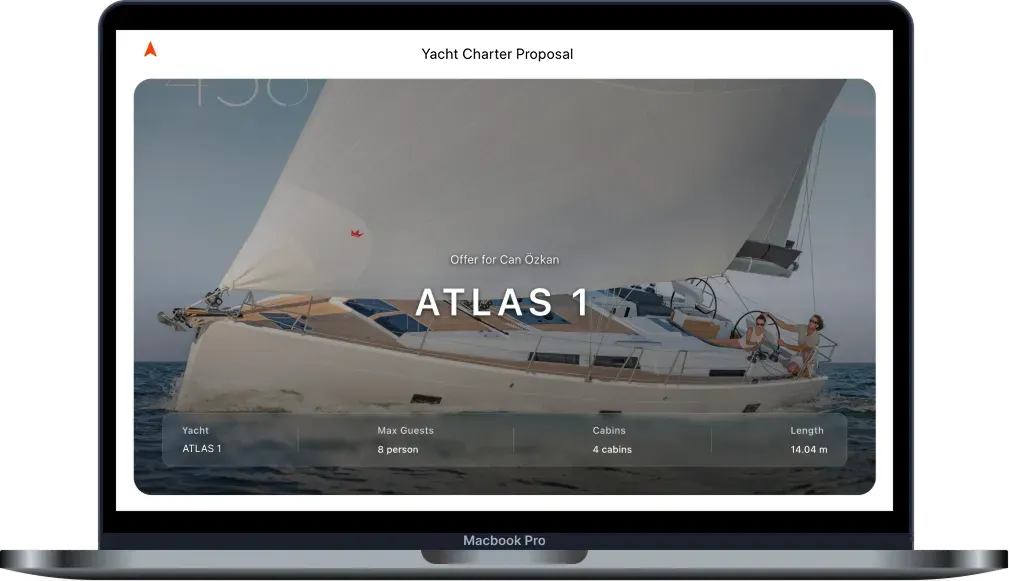
Present boats, dates, pricing, extras, and options in a branded online experience that makes it easier for guests and agents to compare, choose, and confirm the right charter.
Share offers online or generate a professional PDF version with a single click.
Your Charter Offers Should
Represent Your Fleet Better
Many charter sales still rely on emails, screenshots, and PDF attachments to present boats, pricing, and availability. Guests and agencies often receive multiple boat options across different messages, making comparisons slower and creating additional follow-up work for your team.
At the same time, the offer itself is one of the first detailed impressions guests and agents receive of your company. A professional, well-presented offer helps showcase your boats, builds confidence, and makes it easier for recipients to choose the right option.
Faster Offer Creation
Reduce the manual work of building and updating offers for different boats, dates, and pricing options.
Professional Presentation
Show boats, pricing, photos, and options in a branded experience that reflects the quality of your company and fleet.
Better Visibility
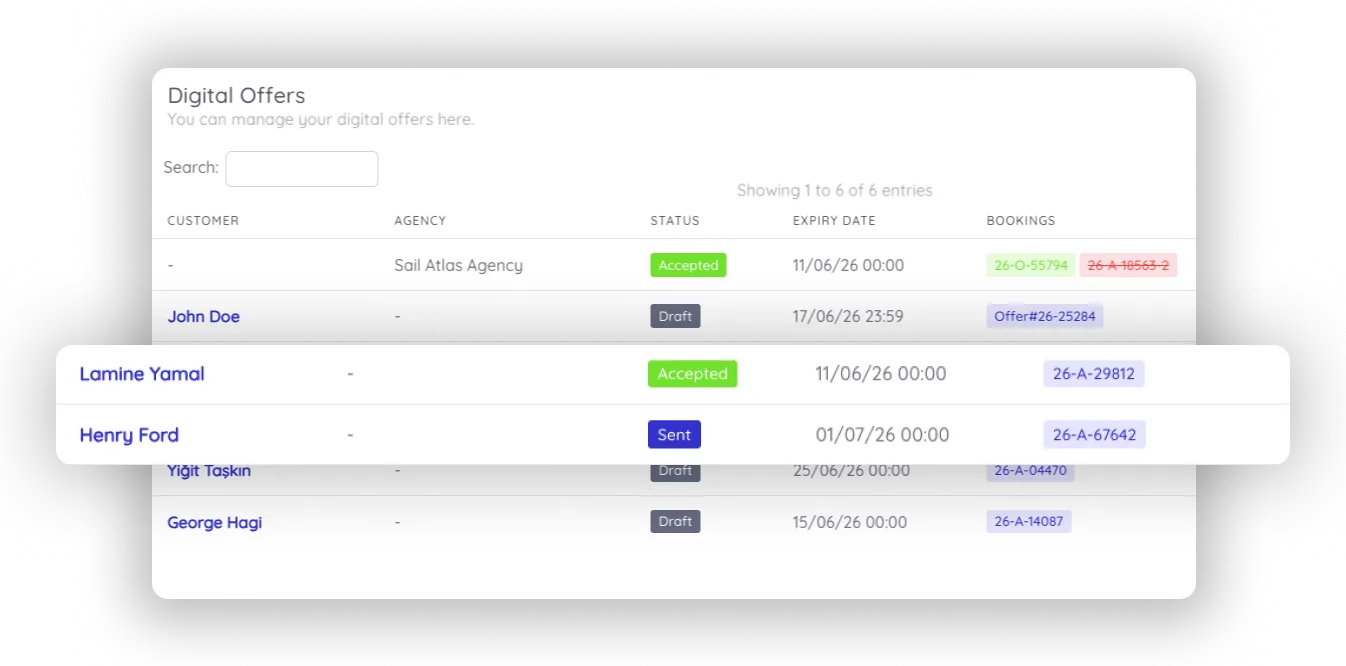
Know when offers are viewed, accepted, expired, or still awaiting a decision.
Multiple email rounds. Attachments get lost. Guests compare manually.
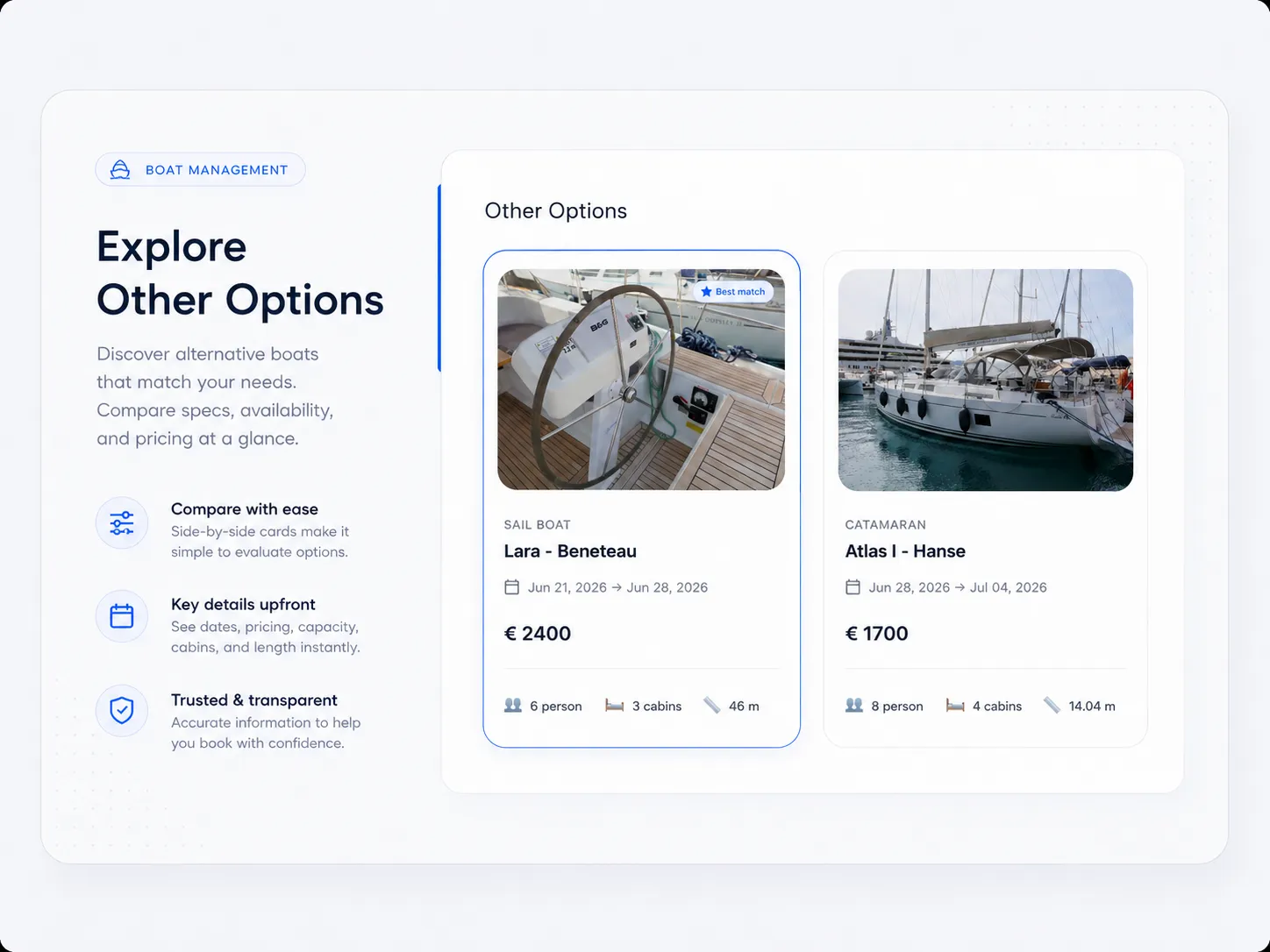
One link. Clear options. Guest responds directly.
Present Every Option, Beautifully
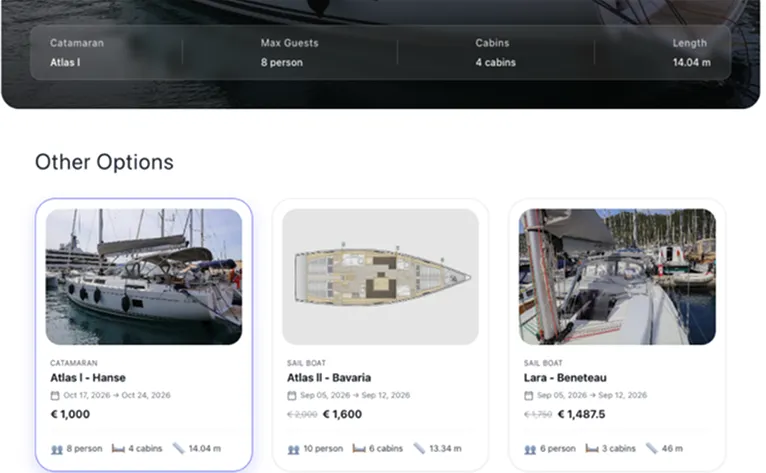
A single inquiry often has more than one possible answer. Different boats, weeks, prices, packages, or agency terms can all be presented in one Digital Offer — so the recipient can compare clearly and choose faster.
Every offer is presented with your charter company's branding, boat photos, key specifications, pricing, notes, and optional extras. Atlas pulls boat information directly from your system, so your team selects a boat and week, adjusts pricing if needed, and the offer is ready to send.
Built from Your Atlas Data
Boat photos, specifications, and pricing are populated automatically — no copy-pasting required.
Multiple Boats and Dates
Include several boat and week combinations, optional extras, and pricing options in one offer so guests can compare everything in one place.
Branded Presentation
Display your logo, brand colors, company details, boat photos, and offer notes.
Online or PDF
Share offers through a professional online page or generate a branded PDF version whenever needed.
Built for Guests and Agencies
Charter companies sell through both direct guests and agencies. Digital Offers supports both workflows with the right version for each recipient.
Guest Version
A clean offer with your company's branding that guests can open, compare options, and accept online.
Agency Version
A version for agency partners that shows commission and carries the agency's branding instead of your company's, alongside the pricing and booking details they need to pass on.
The Right Version per Recipient
Send the appropriate offer to direct guests or to agencies, without rebuilding it each time.
One Connected Workflow
Guest and agency offers are tracked and managed together inside Atlas.
Turn Accepted Offers Into Reservations
When a Guest or Agent accepts an offer, Atlas turns the selected option into a reservation and closes the alternatives within the same offer. Your team is notified, and the guest or agent receives a confirmation — no manual re-entry required.
One Click to Confirm
Guests or Agencies select their preferred option directly from the offer link.
Full Reservation in Atlas
Customer, boat, dates, pricing, extras, and offer details are all connected in the new reservation.
MMK & Nausys Sync
Reservations can sync with connected booking platforms depending on your integration setup.
Track Every Offer
From Sent to Decision
Every Digital Offer lives inside Atlas, making it easy to see its status, validity, and progress at a glance — so your team can follow up at the right moment, not blindly.
Offer Status Tracking
Track Draft, Sent, Viewed, Accepted, and Expired offers from one place.
Customer & Agency History
Every offer is linked to the guest or agency record in Atlas, creating a complete history of inquiries, offers, reservations, and interactions over time.
Share by Link, Email, or PDF
Use the online offer page as the main experience and keep PDF export available whenever a downloadable version is needed.
Cleaner Follow-Up
Prioritise active opportunities, track what has been viewed but not accepted, and keep your sales pipeline organised.
Part of a Connected Platform
Most proposal tools stop when an offer is sent. Atlas continues through reservations, customer management, communication, and booking systems — creating a connected workflow instead of another isolated tool.
Reservations & CRM
Accepted offers create reservations in Atlas and remain connected to customer and agency records, building a complete history of bookings, offers, and interactions.
Guest Communication & Inbox
Continue follow-up with guests and agencies through connected communication history, WhatsApp, and automated emails where configured.
Website & Booking Platform
Use Digital Offers for inquiry-based sales and Website & Booking Platform for direct online bookings — all connected to the same reservations and customer records.
MMK & Nausys
Accepted offers can create reservations that sync with connected booking systems, helping keep availability aligned across channels.
Frequently Asked Questions
Send Better Offers.
Convert More Inquiries.
Create professional offers that help guests and agencies compare options, make decisions faster, and move smoothly toward booking.